
 Copilot Agents are free to access
 Use this Copilot Agent starter kit to build your our agent that analyzes anonymized exit interview notes and identify recurring themes, sentiment, retention drivers, risks, and practical follow-up actions. It helps HR teams turn exit feedback into structured insights while protecting employee privacy.
The text file contains the three fields you need to set up an agent: the agent name, the description, and the full system instructions.
How to use one of the files:
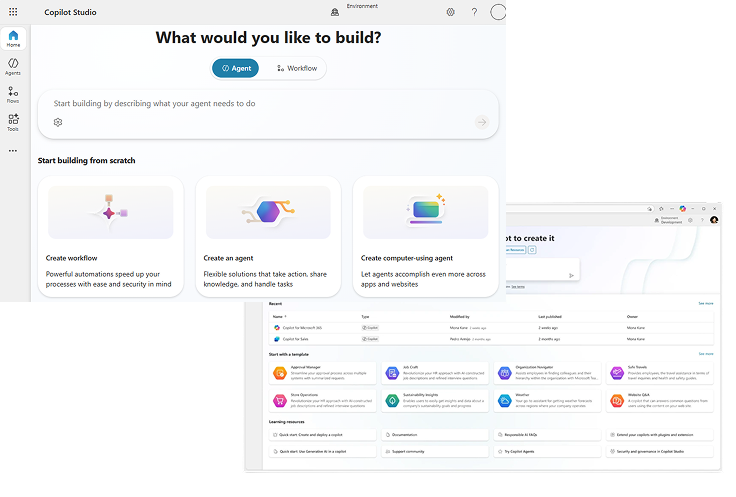
- Go to Microsoft Copilot Agent Studio.
- Create a new agent.
- Open the text file for the agent you want to build.
- Copy the name from the file into the agent title.
- Copy the description into the agent description.
- Copy everything under “Instructions” into the agent’s system instructions.
- Upload any supporting knowledge files if the agent needs them, such as templates, guides, policies, role briefs, scorecards, or company-specific examples.
- Test the agent with a realistic HR task before sharing it with your team.