
 Skills are free to access
 Create a structured interview scorecard that helps interviewers assess candidates consistently and fairly. The Interview Scorecard Builder produces a rating tool with relevant competencies, scoring scales, behavioural anchors and comment fields, aligned to the way your organisation conducts interviews. It focuses on the instrument interviewers use to record evidence and make a comparison, rather than the interview question set itself, giving hiring teams a stronger basis for clearer, more comparable candidate decisions.
How to install and use this skill
- Download the .skill file for the skill you want to use.
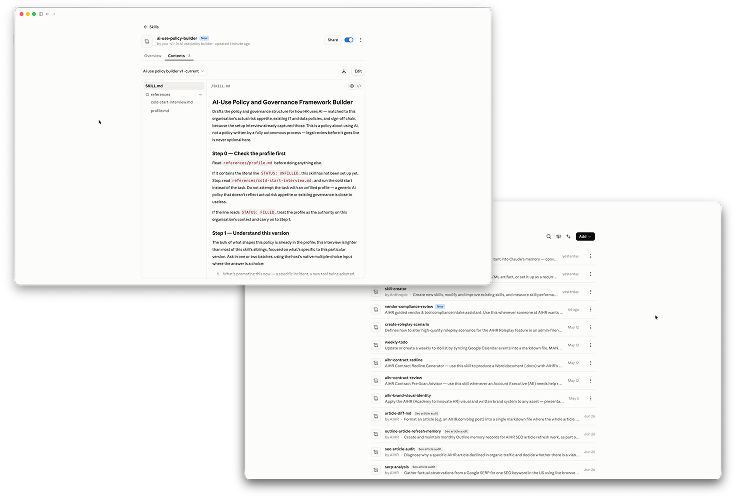
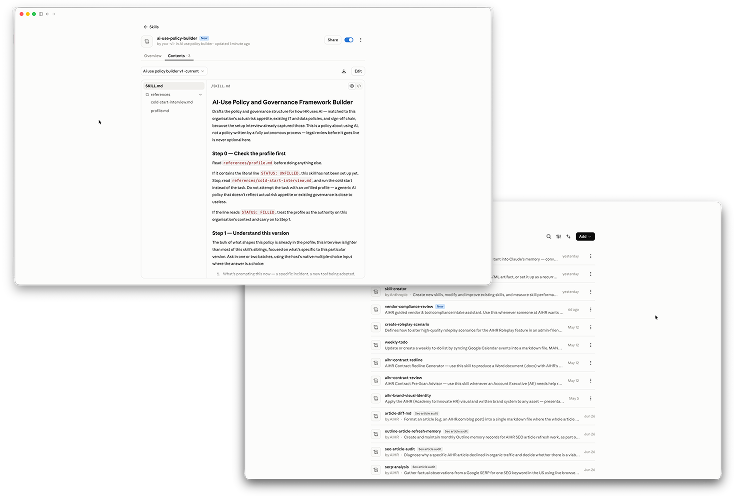
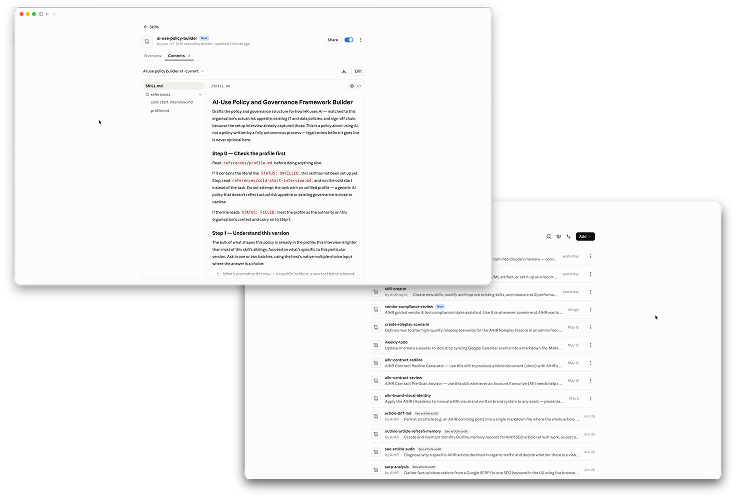
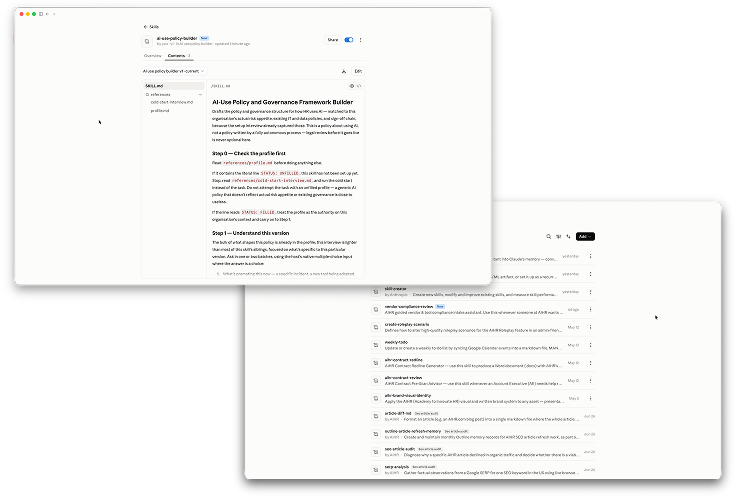
- In Claude: go to Customize → Skills, click +, then Create skill and Upload a skill. Select the .skill file and switch the new skill on.
- In ChatGPT: open Skills, select Create, then Upload from your computer, and choose the .skill file.
- Run the cold start before using the skill for real work. The first time, it will ask a short set of questions about your organisation, processes, preferences, and guardrails. Answer what you can; it will use clearly stated defaults for anything you do not know. At the end, download the updated file and use Update Skill to replace the installed version. If something changes later, open the skill’s
references/profile.md, edit the relevant answer, save it, and use Update Skill again — there is no need to complete the full interview again.
If you use Microsoft Copilot: create one focused Copilot agent per skill rather than uploading the package. In Copilot, go to Agents & Skills → New agent, then copy the skill’s SKILL.md into the agent’s Instructions field.