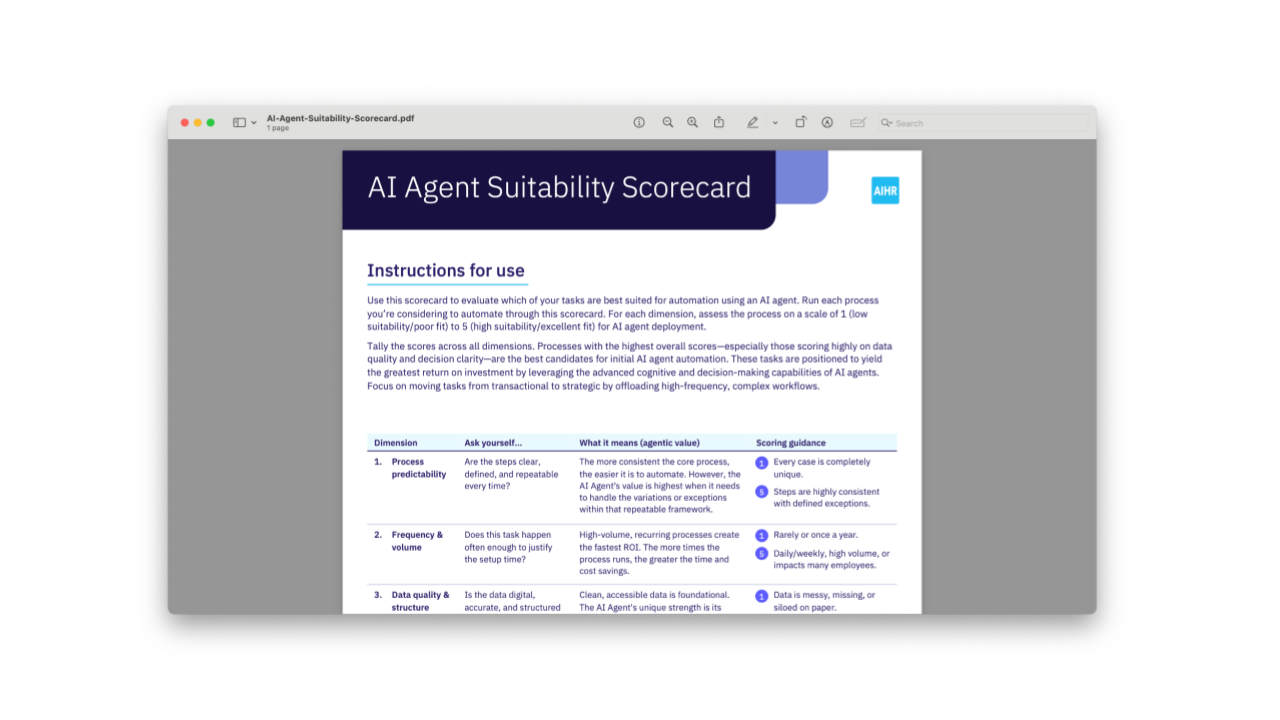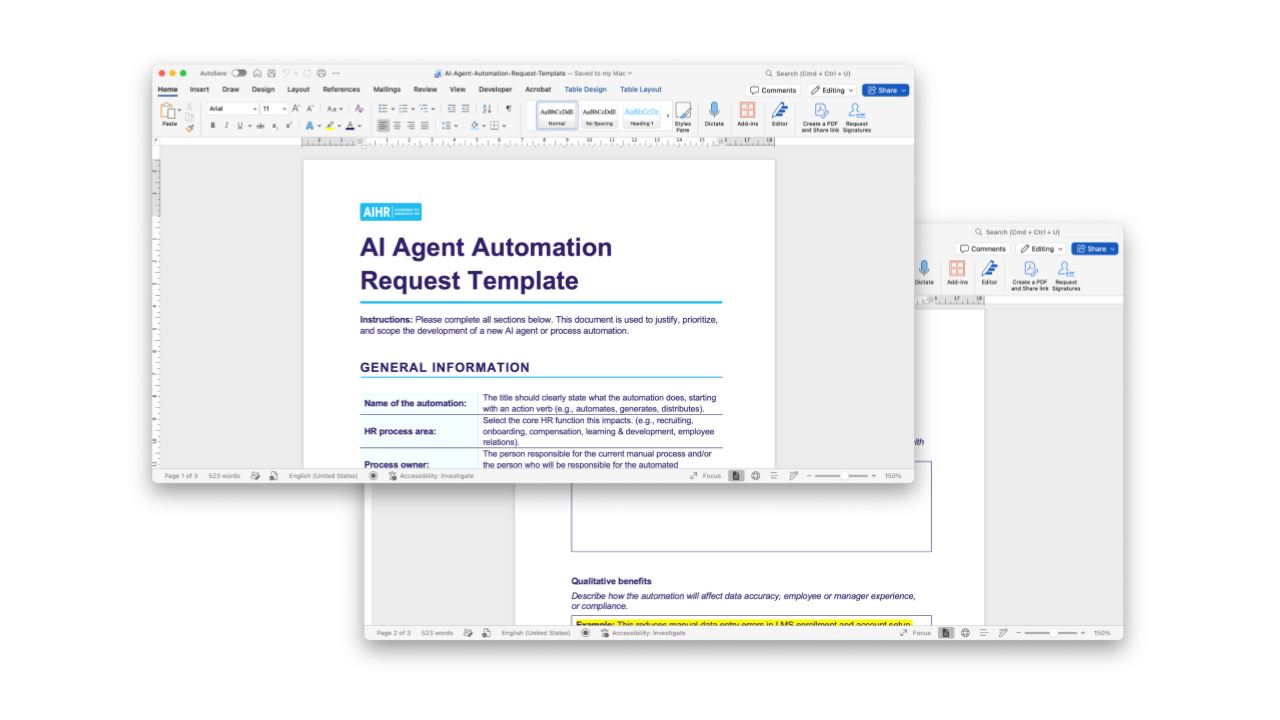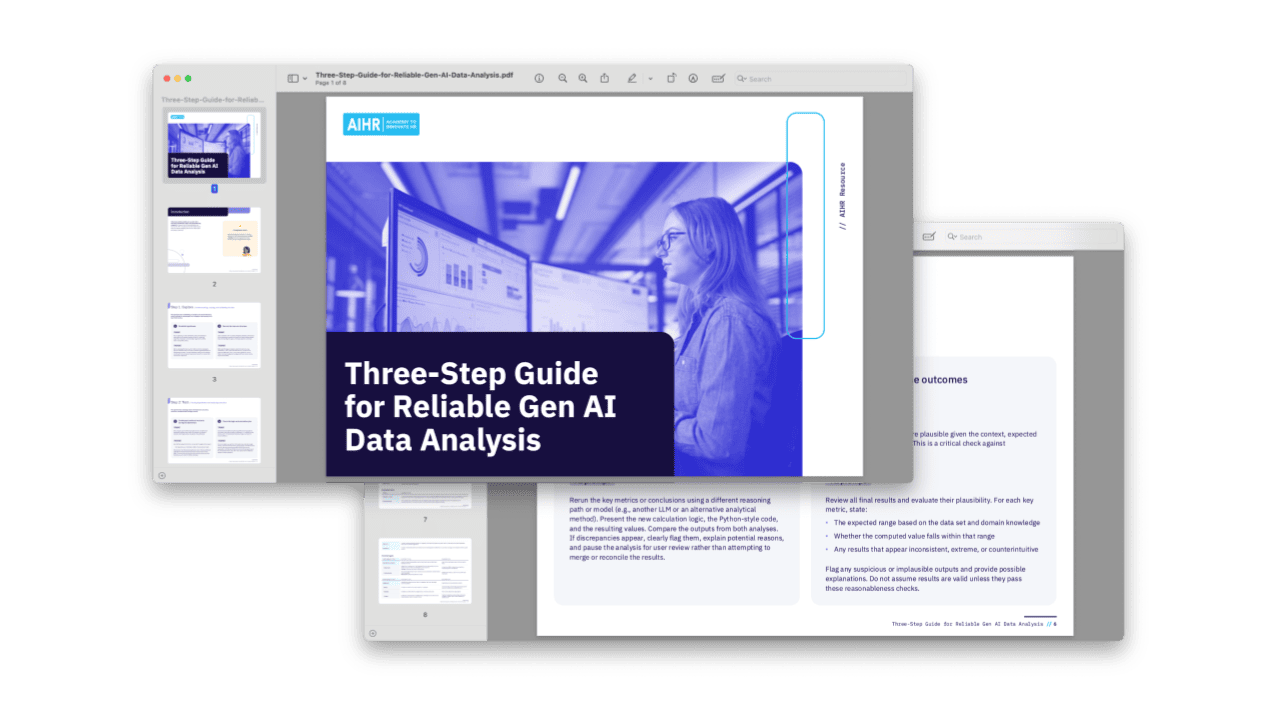

 Copilot Agents are free to access
 Use this Copilot Agent starter kit to build your our agent that helps you create role-specific 30-60-90 day onboarding plans based on AIHR’s onboarding template. It helps you build welcome context, expectations, contacts, tools, goals, weekly tasks, and reflection prompts for new hires — tailored to the role and team.
The text file contains the three fields you need to set up an agent: the agent name, the description, and the full system instructions.
How to use one of the files:
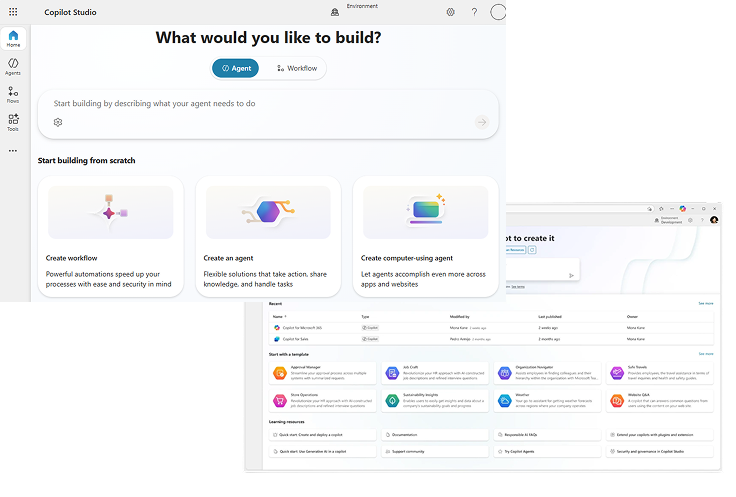
- Go to Microsoft Copilot Agent Studio.
- Create a new agent.
- Open the text file for the agent you want to build.
- Copy the name from the file into the agent title.
- Copy the description into the agent description.
- Copy everything under “Instructions” into the agent’s system instructions.
- Upload any supporting knowledge files if the agent needs them, such as templates, guides, policies, role briefs, scorecards, or company-specific examples.
- Test the agent with a realistic HR task before sharing it with your team.