
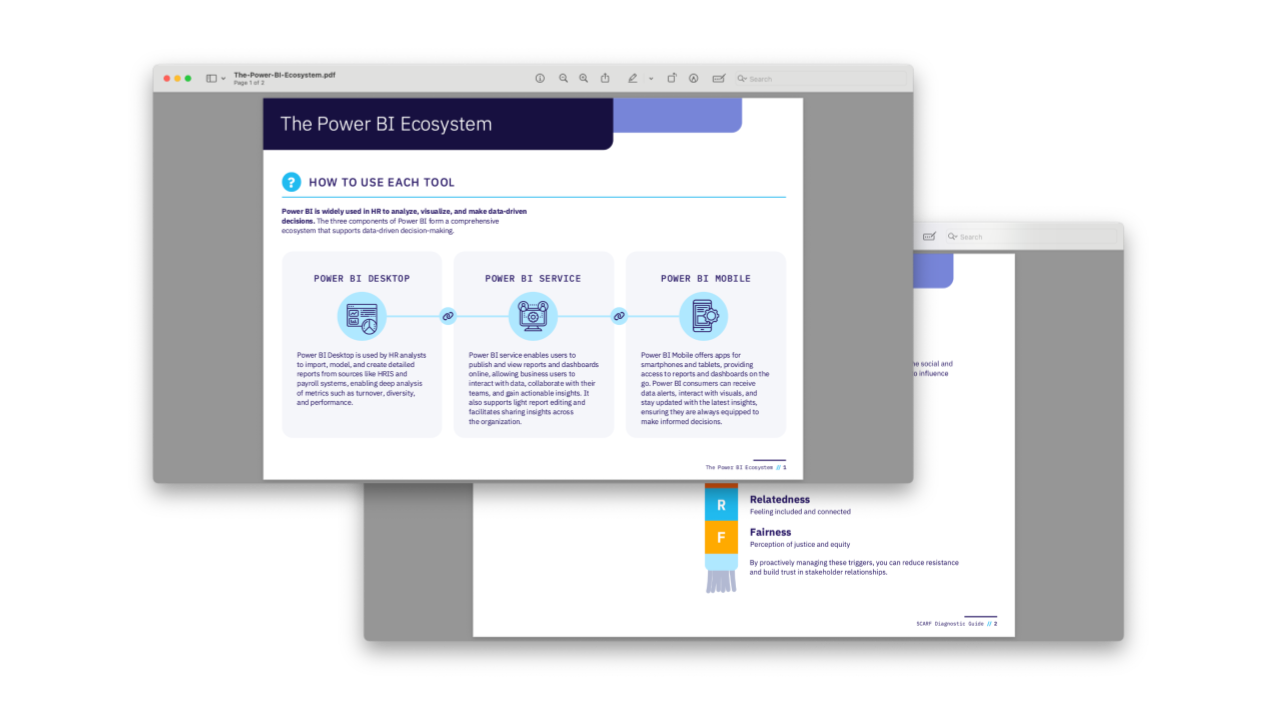

This cheat sheet introduces the three core components of the Power BI ecosystem and explains how each supports HR data analysis and decision-making. It helps HR professionals understand when to use Power BI Desktop, Power BI Service, and Power BI Mobile and which HR roles typically use each tool.
Included in this resource:
- Overview of Power BI Desktop and its use for importing and modeling HR data and creating detailed reports and dashboards
- Overview of Power BI Service and its use for publishing, viewing, interacting with, and sharing reports and dashboards online
- Overview of Power BI Mobile and its use for accessing reports, dashboards, alerts, and data insights on smartphones and tablets
- Guidance on how HR analysts, managers, HR leaders, team members, and executives use the three Power BI components
- Examples of HR applications, including analyzing turnover, recruitment progress, diversity, performance, employee engagement, and compliance